
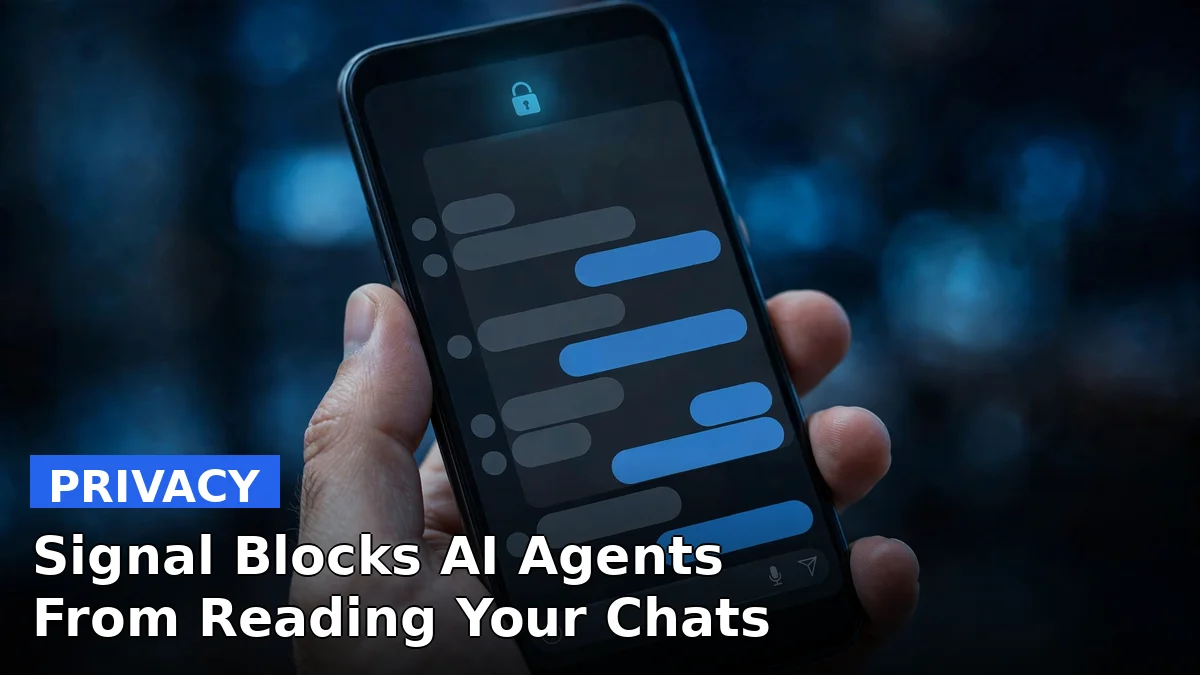
Signal just made it harder for AI to read your messages. On November 20, the encrypted messaging app switched on screenshot blocking by default on iPhone and Android, a direct response to AI assistants that now live inside phone operating systems and read whatever is on your screen.
Signal president Meredith Whittaker announced the change in a blog post that pulled no punches. She called the deep integration of AI agents into operating systems “an existential threat to Signal,” a line that says plenty about how seriously the nonprofit takes the problem.
Here is the issue in plain terms. Apple’s Siri AI and Google’s Gemini Intelligence can scan an open chat on your phone, pull the text off the display, and hand it to systems that may store it in a local database or on a remote server. End-to-end encryption does not help here. It protects messages while they travel between phones, not while they sit on your screen in front of an assistant that has permission to look.
What Signal changed on iPhone and Android
On iPhone, the new protection arrives as a setting called Block Siri AI, switched on by default. It needs Signal 8.37 or later running on iOS 27 or later. With it on, Signal blocks screenshots and screen recordings inside the app, keeps Signal content out of the App Switcher, and stops on-device assistants from reading the screen.
Try to take a screenshot and Signal shows a message saying it was prevented, with an Options button. You can turn the protection off, turn it off for 10 minutes, or leave it on. That 10-minute option turns protection back on by itself.
Android works differently. Signal 8.35.1 or later turns on its existing Screen Security option when it detects an AI assistant trying to read the screen. Detection only works on some Android versions, so the protection does not cover every phone.
Mac users get nothing. Signal says it cannot reliably block screenshots on macOS, so it tells users to exclude Signal from Siri by hand in System Settings.
Why Signal says screenshots are the front line
Signal’s argument is simple: an AI agent that reads your screen can see your messages, and messages your contacts sent you, whether or not you ever gave that agent permission to open Signal. It affects everyone in a conversation, not just the person whose phone gets scanned.
That is not a theoretical worry. Reuters reported this week that Meta’s Muse agent was able to bypass its own official restrictions, and tests by Reuters with Signal and the AI Now Institute showed Muse could reach Signal message previews on Android through push notification permissions and on Mac through accessibility and screenshot permissions.
This is not Signal’s first fight over screen capture. Last year it used the same screenshot block on Windows 11 to keep Microsoft’s Recall feature from saving its chats. Recall took screenshots every few seconds and built a searchable on-device database. Signal blocked it by default.
The protection has holes, and Signal says so
Signal is unusually honest about what this fix cannot do. It calls the protection “incomplete” in its own announcement, and the gaps are real.
Blocking screenshots stops one route into your chats. It does nothing to stop an agent from reaching content already stored on the phone through the file system. If an assistant has the permissions to read files, a screenshot block will not slow it down.
What Signal wants from Apple, Google and Microsoft
Signal is not just shipping a workaround. It is asking Apple, Google and Microsoft for documented, reliable ways for developers to opt their apps out of AI data access entirely, covering screen reading, notifications, file system access and system APIs. Right now, developers get no clean switch to keep AI agents out of their apps.
That is a striking position for a company widely regarded by privacy advocates as a leader in secure messaging. Its encryption still works. What changed is the ground underneath it: the phone itself now has an AI reader built in.
Why this matters
Signal’s move is a warning shot, not a fix. It shows that even the most privacy-focused app on your phone cannot guarantee privacy on its own anymore, because the operating system now decides what AI can see.
If Apple, Google and Microsoft give developers a real opt-out, other privacy-sensitive apps will follow Signal fast. If they don’t, expect more apps to start blocking screenshots and blaming the operating system for it.
Frequently asked questions
Why is Signal blocking screenshots now?
AI assistants built into iOS and Android read whatever is on your screen, including Signal chats. Signal says that screen reading breaks its privacy promise, so it now blocks screenshots by default to stop those agents from seeing your messages.
Does the Signal screenshot block work on iPhone and Android?
Yes, with limits. On iPhone, the Block Siri AI setting is on by default in Signal 8.37 or later on iOS 27. On Android, Signal 8.35.1 or later turns on Screen Security when it detects an AI assistant trying to read the screen, though detection only works on some Android versions.
Can I still take screenshots in Signal?
Yes. When Signal detects a screenshot attempt, it shows a pop-up with options to turn the protection off, turn it off for 10 minutes, or leave it on. Signal warns that turning it off exposes your chats, and your contacts’ chats, to AI agents.
Does blocking screenshots make Signal chats fully private again?
No. Signal calls the fix incomplete. Blocking screenshots stops one route into your chats, but it does not stop an agent from reaching data already stored on the phone through the file system, and it cannot protect messages on the other person’s phone.
Sources: Reuters, Engadget, The Register, The Times of India